



May 8, 2026
Store App: How to Sell and Promote Your Products
A store app can be a practical solution for businesses that want to present products in a more organized way, make it easier for customers to get in touch, and strengthen their brand’s digital presence.
Instead of relying only on Instagram, WhatsApp, or posts that get buried over time, a store can have its own channel on customers’ phones.
Brick-and-mortar stores, online stores, local businesses, boutiques, pet shops, cosmetics stores, accessory shops, furniture stores, gift shops, electronics retailers, natural products stores, and many other types of businesses can use an app as a digital storefront. It can bring together a product catalog, images, offers, an address, a WhatsApp button, a contact form, a map, updates, and important information for customers.
With Web Robot Apps, you can create a store app without coding, using ready-made, customizable modules. This means your business can start with a simple setup and expand as new campaigns, products, and business needs arise.
Store app: why can this channel help you sell?
A store app helps you sell by organizing the path from a customer’s interest to contacting your business. Often, a shopper sees a product on social media but later can’t find the post, doesn’t know whether the item is available, or has to message you on WhatsApp to request photos and details.
With an app, the store can make its products more accessible. Customers open the app, browse the catalog, view images, explore their options, and get in touch when they’re interested.
This organization improves the shopping experience and makes customer service more efficient.
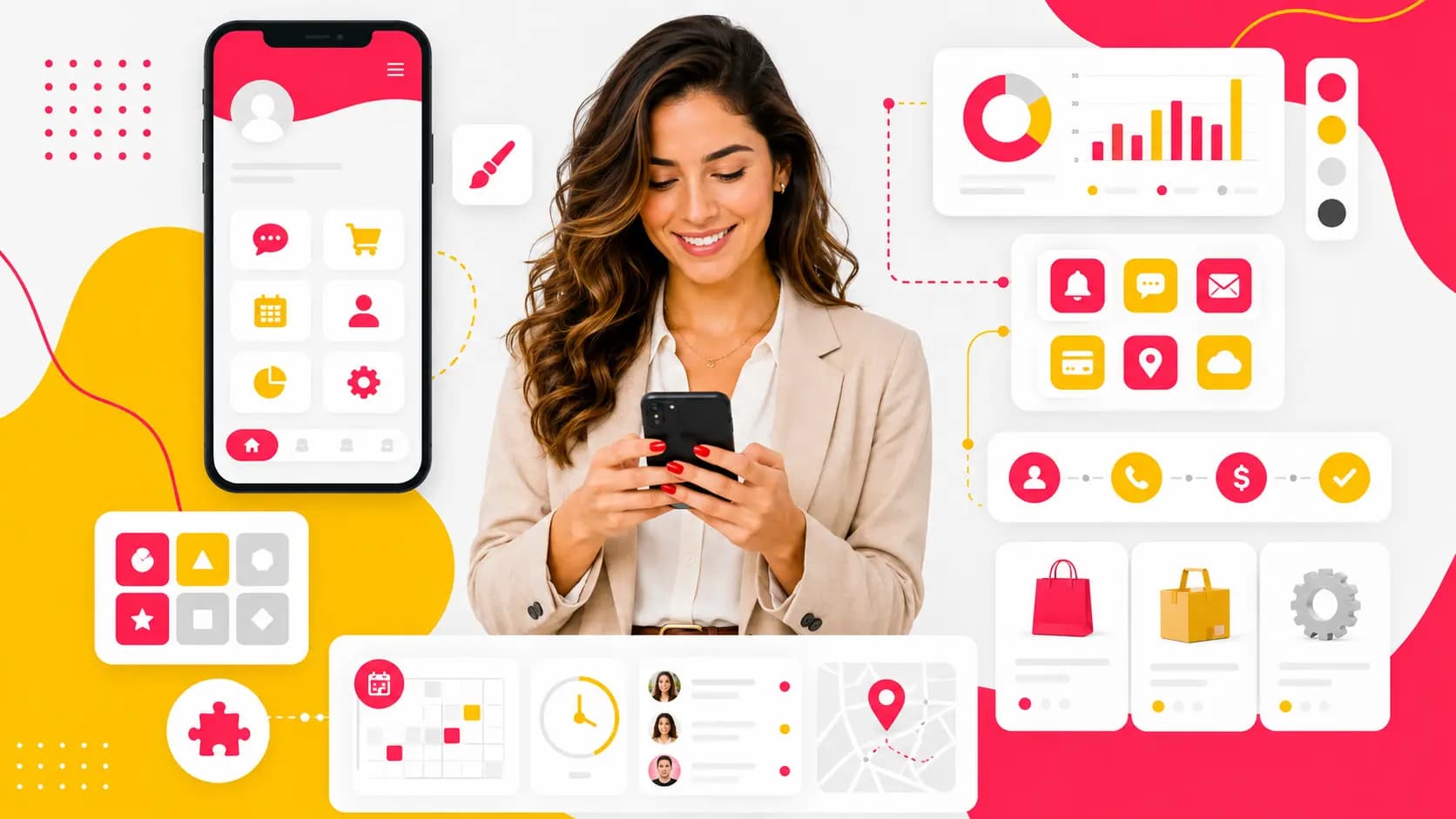
Product catalog as a digital storefront
A catalog is one of the most important modules for a store. It lets you present products in an organized way, with categories, images, and descriptions.
A clothing store can sort products into categories such as women’s, men’s, and children’s fashion, accessories, and sale items. A cosmetics store can organize products by makeup, hair, skincare, and fragrance. A pet shop can showcase food, toys, accessories, and grooming products. A furniture store can highlight room settings, collections, and new arrivals.
A catalog helps customers get a better sense of what your business offers. Instead of receiving scattered photos on WhatsApp, they can browse a more organized digital storefront.
Images help showcase your products
Visual presentation makes a big difference in retail. Well-chosen photos help capture interest, show details, and build trust.
Your app can feature an image gallery, promotional banners, product photos, new arrivals, and campaigns. This helps showcase your products and gives your store a more professional look.
Ideally, use clear, well-framed images that align with your brand identity. A strong visual presentation can directly influence a customer’s decision.
A WhatsApp button makes it easier to get in touch
WhatsApp remains one of the most widely used sales channels. That’s why adding a direct button to your app can make customer service much easier.
Customers can browse products in the app and, when they find something they like, contact the store on WhatsApp in just a few taps. This removes steps and makes it more likely they’ll get in touch.
You can use a simple call to action in the app:
“See something you like? Message our team on WhatsApp.”
This kind of prompt turns the app into a business tool, not just a storefront.
Offers and promotions get more attention
Stores need to share updates regularly. Promotions, sales, new arrivals, holiday campaigns, and featured products can be presented more clearly in the app.
Instead of relying only on social media reach, your business can use the app as its own channel to showcase campaigns.
You can also promote the app through your store’s other channels. An Instagram post can direct customers to the app. A WhatsApp message can invite them to browse the catalog. A QR code at the counter can take them straight to your offers.
The app helps reduce repeated questions
Many stores get the same questions again and again about products, opening hours, location, contact options, availability, and new arrivals. When this information is organized in the app, it can answer some of those questions before customers even contact you.
This saves your team time and improves the customer experience. Customers can open the app, find basic information, and contact the store only when they’re ready to take the next step.
For stores that handle a lot of business on WhatsApp, this organization can make operations faster and more efficient.
App for a brick-and-mortar store
Brick-and-mortar stores can use an app to extend their presence beyond their physical location. Even when customers aren’t in the store, they can browse products, updates, and offers, and find contact information on their phones.
An app can also help bring customers into the store. With a map, address, opening hours, and local campaigns, it makes an in-person visit easier.
For example, a neighborhood store can share updates on Instagram and direct customers to the app to browse the full catalog.
App for an online store
For online stores, an app can serve as an additional channel for showcasing products and providing customer service. It can bring together products, images, WhatsApp, a contact form, important links, offers, and delivery information.
Even if your store already sells through a website, marketplace, or social media, an app can strengthen your brand and create a more direct channel to customers.
The app helps organize your digital storefront and makes it easier to communicate with people who already know your business.
How do you promote your store app?
After creating the app, it’s important to promote it regularly. Your store can share the app on Instagram, Facebook, WhatsApp, its website, Google Business Profile, packaging, tags, shopping bags, the checkout counter, business cards, and in digital campaigns.
QR codes can also be used in the physical store, in the window, on printed materials, and in promotional campaigns.
Here are some useful calls to action:
“Open our app and browse our catalog.”
“See what’s new in our app and message us on WhatsApp.”
“Check out our offers in the store app.”
“Keep our digital storefront right on your phone.”
Keep your catalog up to date
A store app needs to be kept up to date. Unavailable products, old photos, expired promotions, or incorrect information can hurt the customer experience.
So, update the app whenever you add products, change collections, adjust prices, launch campaigns, or update customer service information.
An up-to-date catalog shows that you care and are professional. An app that’s been neglected can give the impression that your store is disorganized.
Web Robot Apps: create a store app without coding
With Web Robot Apps, your store can create an app without coding, using ready-made, customizable modules. You can add a product catalog, image gallery, WhatsApp, map, contact form, blog, item list, business information pages, and other features to suit your needs.
Your store can start with a basic setup focused on the catalog, contact options, and images, then expand over time by adding new modules and campaigns.
Keep your store organized on your customers’ phones
A store app can help your business sell and promote products in a more organized way. It works as a digital storefront, makes it easier for customers to contact you on WhatsApp, highlights offers, and improves the customer experience.
An app doesn’t replace social media, your website, or customer service. It complements these channels and gives your store its own space to showcase products.
With Web Robot Apps, creating this channel is easier, requires no coding, and offers features that can be adapted to different types of businesses. For stores that want to look more professional, promote their products more effectively, and generate more inquiries, an app can be a practical, strategic solution.